Numbers you can explain, trace, and send.
Core statements, owner-facing management reports, and accountant-ready exports are built from the ledger and linked back to the work behind them.
The reports owners and accountants reach for first.
Profit & Loss
Revenue, expenses, and net income for any date range.
Balance Sheet
Assets, liabilities, equity, and retained earnings as of a date.
Trial Balance
A clean debit and credit check across every posted account.
Cash Flow
What moved cash during the period, grouped by source.
AR / AP Aging
Who owes you, who you owe, and how old those balances are.
Sales Tax
Tax collected, credits that reduce it, and net payable.
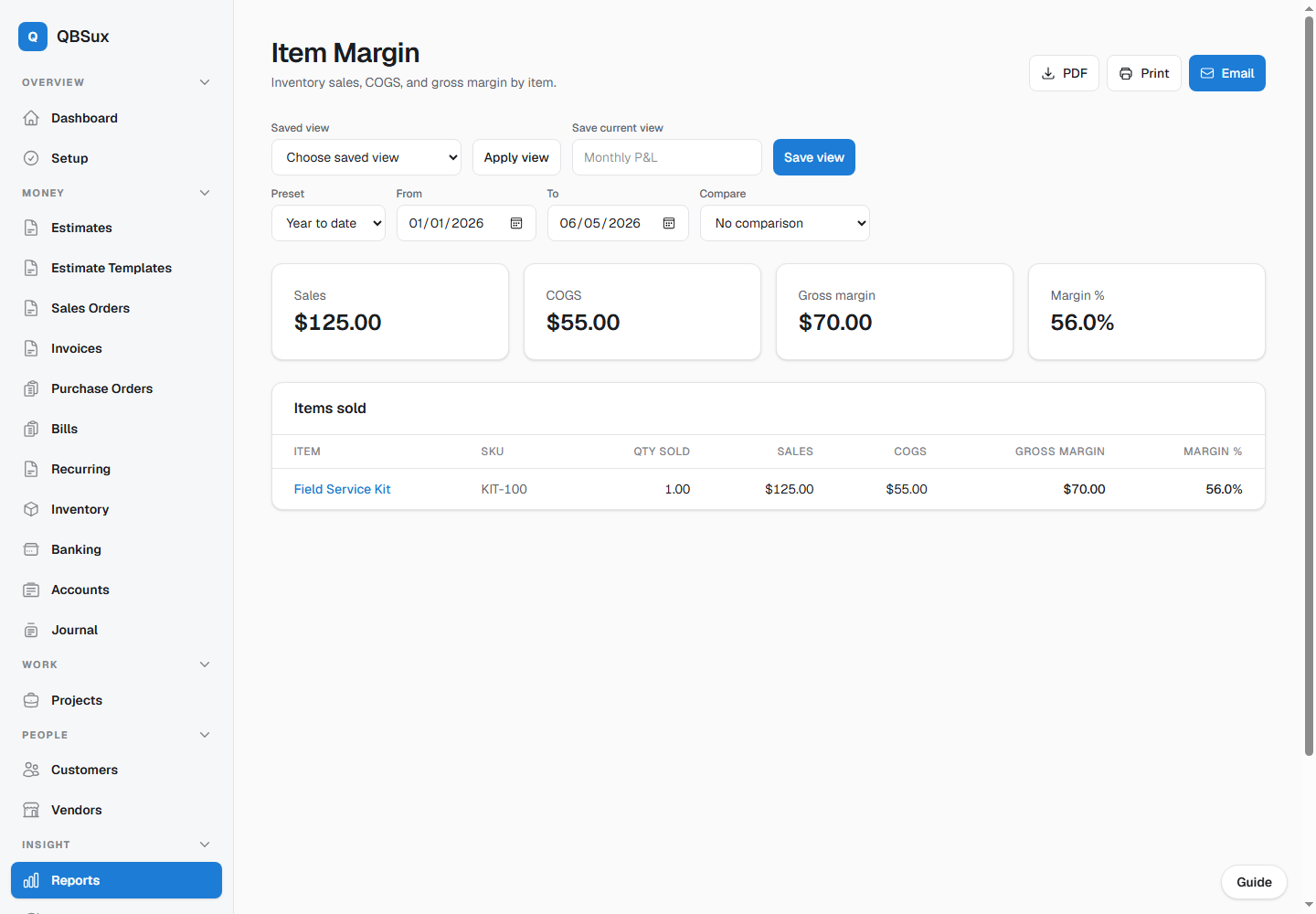
Item Margin
Inventory sales, COGS, gross margin, and margin percentage by item.
Project P&L
Profitability by job for project-based businesses.
Profit & Loss by Class
Compare classified revenue, expenses, and net income across business segments.
Sales by Rep
Review invoiced sales attributed to each assigned salesperson.
Saved Views & Comparisons
Store favorite filters and compare prior periods or years without rebuilding the report.
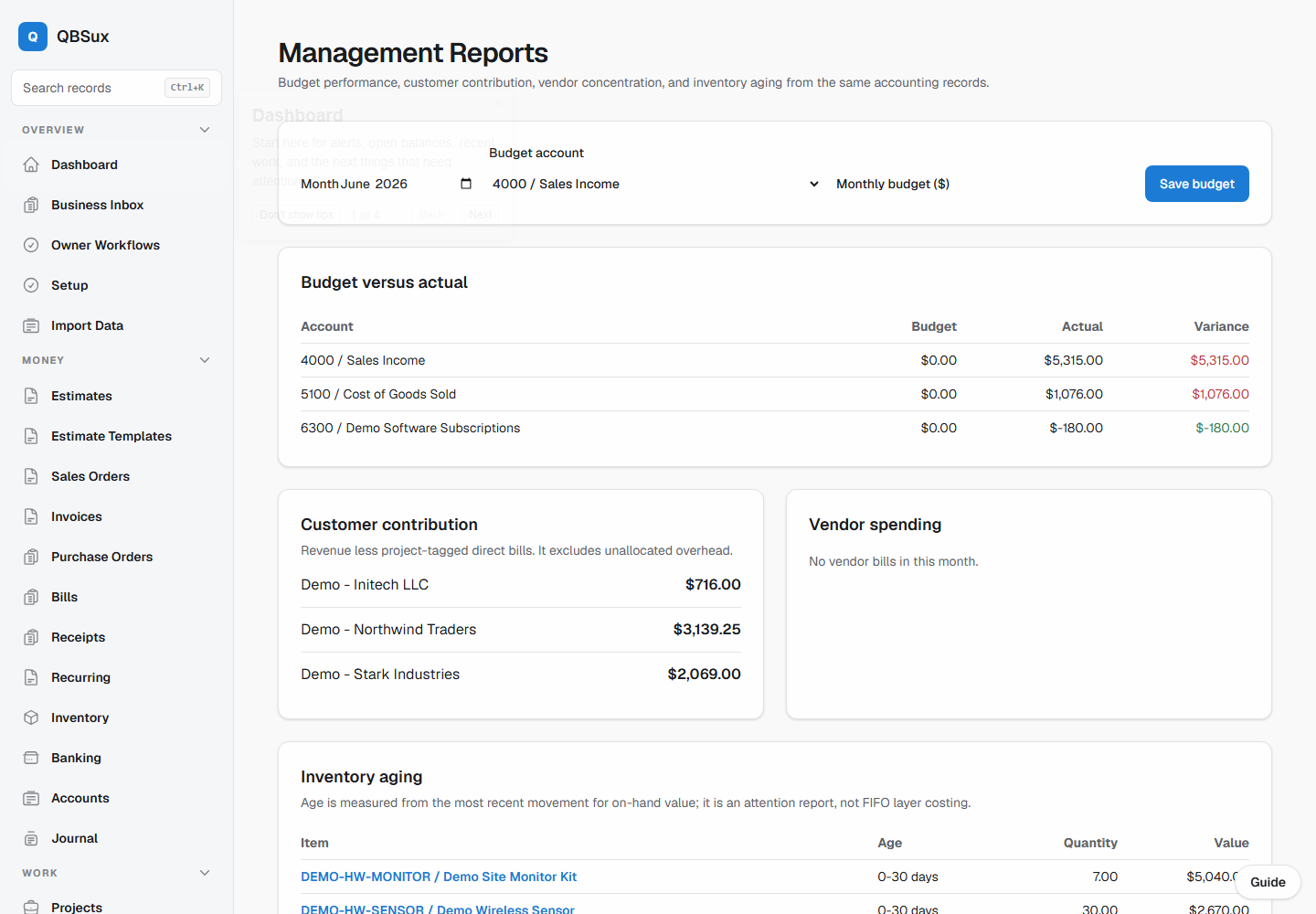
Management Reports
Budget variance, customer contribution, vendor spending, and inventory aging in one owner-focused workspace.
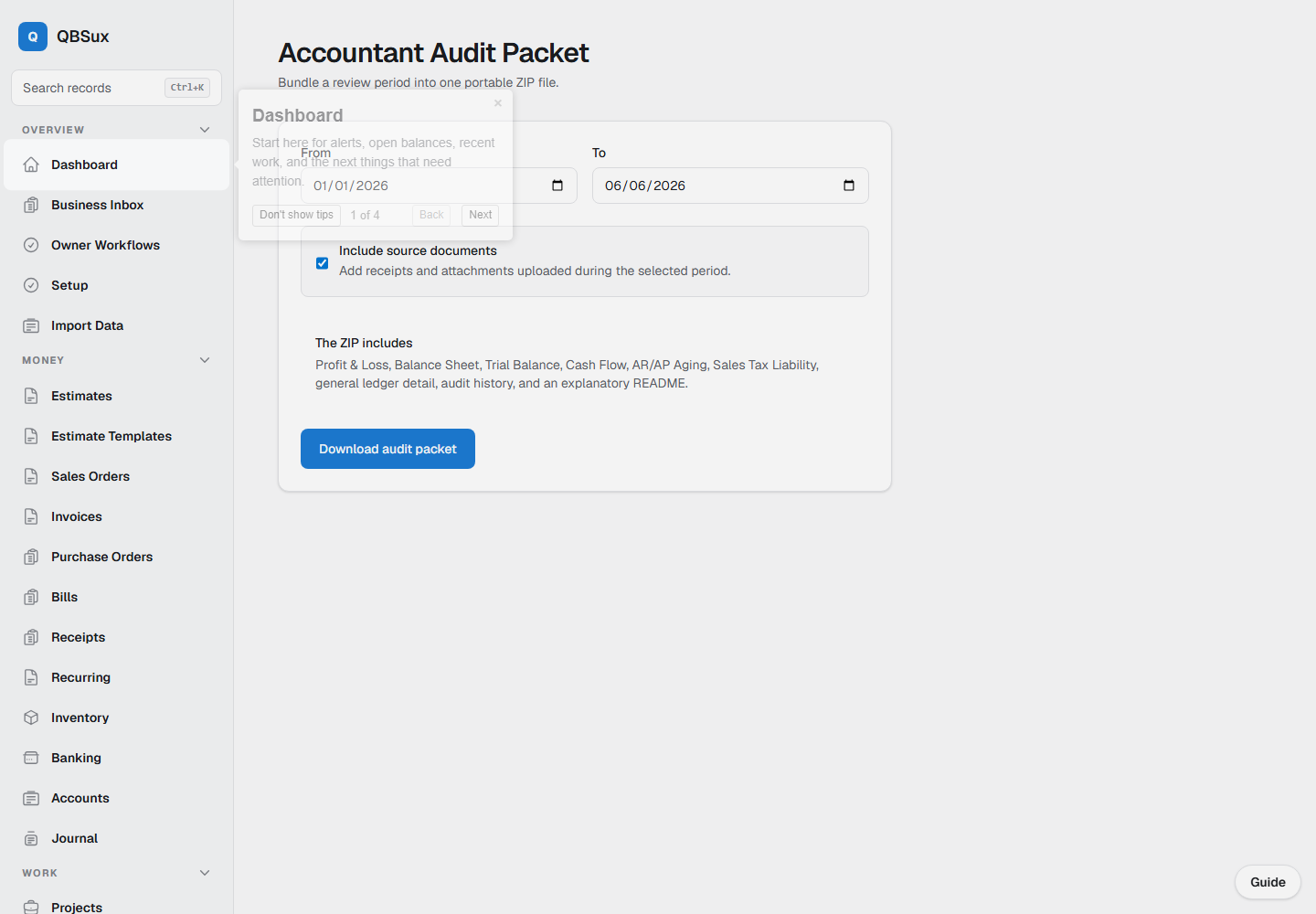
Accountant Audit Packet
Export reports, ledger detail, audit history, and selected source documents together as a ZIP file.
Print, download, or email the same clean report.
Reports should not turn into a scavenger hunt. QBS puts the same small action set in the same place on every report.
- Download a PDF for lenders, taxes, or month-end files
- Print straight from the browser
- Email the PDF to your accountant with an optional note
- Save favorite report views for repeat monthly work
- Keep filter dates attached to the report you send
Reports trace back to the ledger.
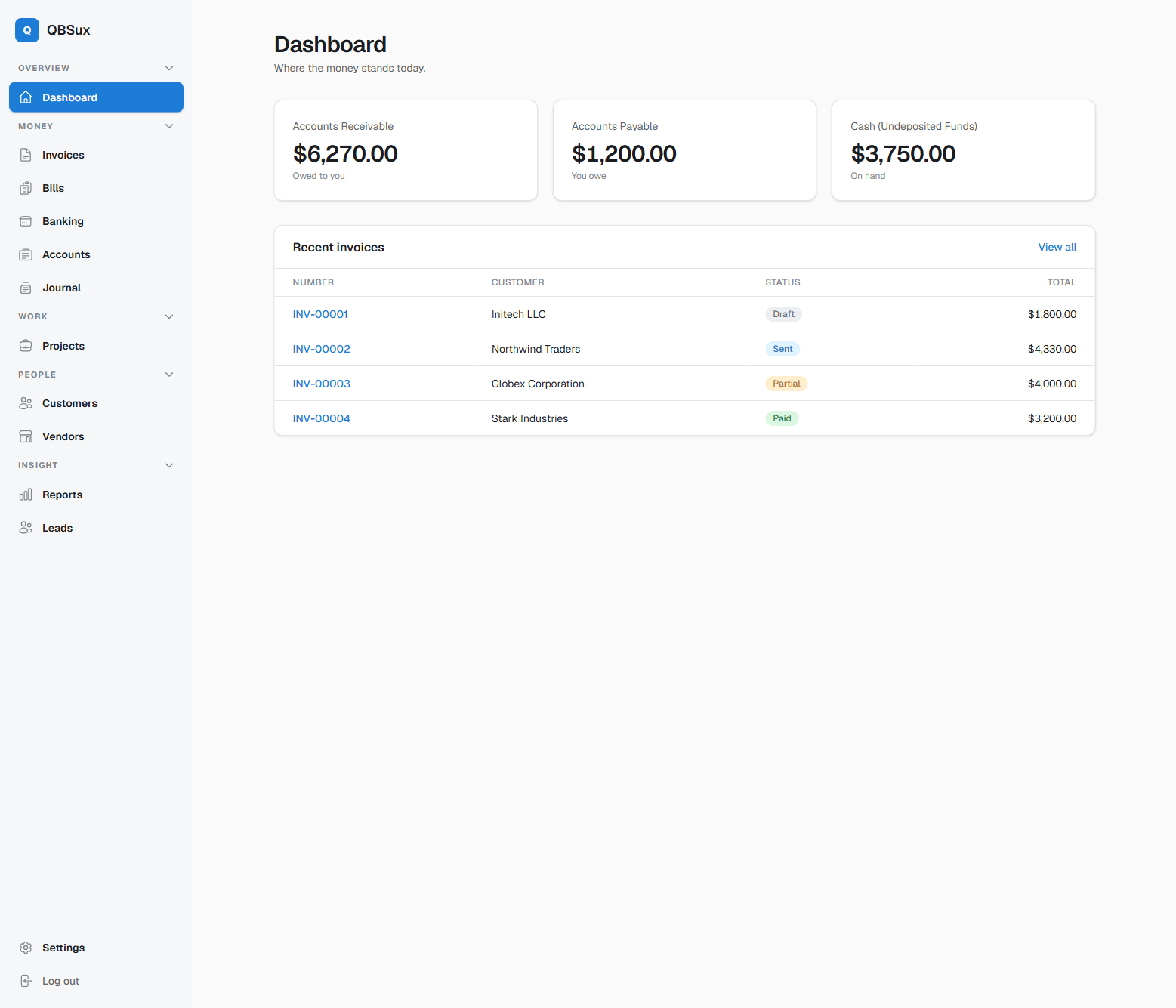
The statements are not decorative dashboards. They come from posted entries, invoices, bills, inventory movements, and payments.
- Double-entry ledger underneath every statement
- Inventory reports tie sales to COGS
- Aging reports use actual open balances
- Journal entries link back to bills, invoices, deposits, receipts, and other source records
- Audit history shows what changed behind the numbers
Package the evidence with the numbers.
Instead of collecting reports and documents one at a time, choose a period and download a consistent audit packet for review.
- Financial statements and detailed general ledger
- Audit history for the selected period
- Optional source documents connected to accounting records
- One downloadable ZIP with a documented contents list
You should not need a map to understand your business.
The faster you can read, print, and send the numbers, the faster you can make the next decision.